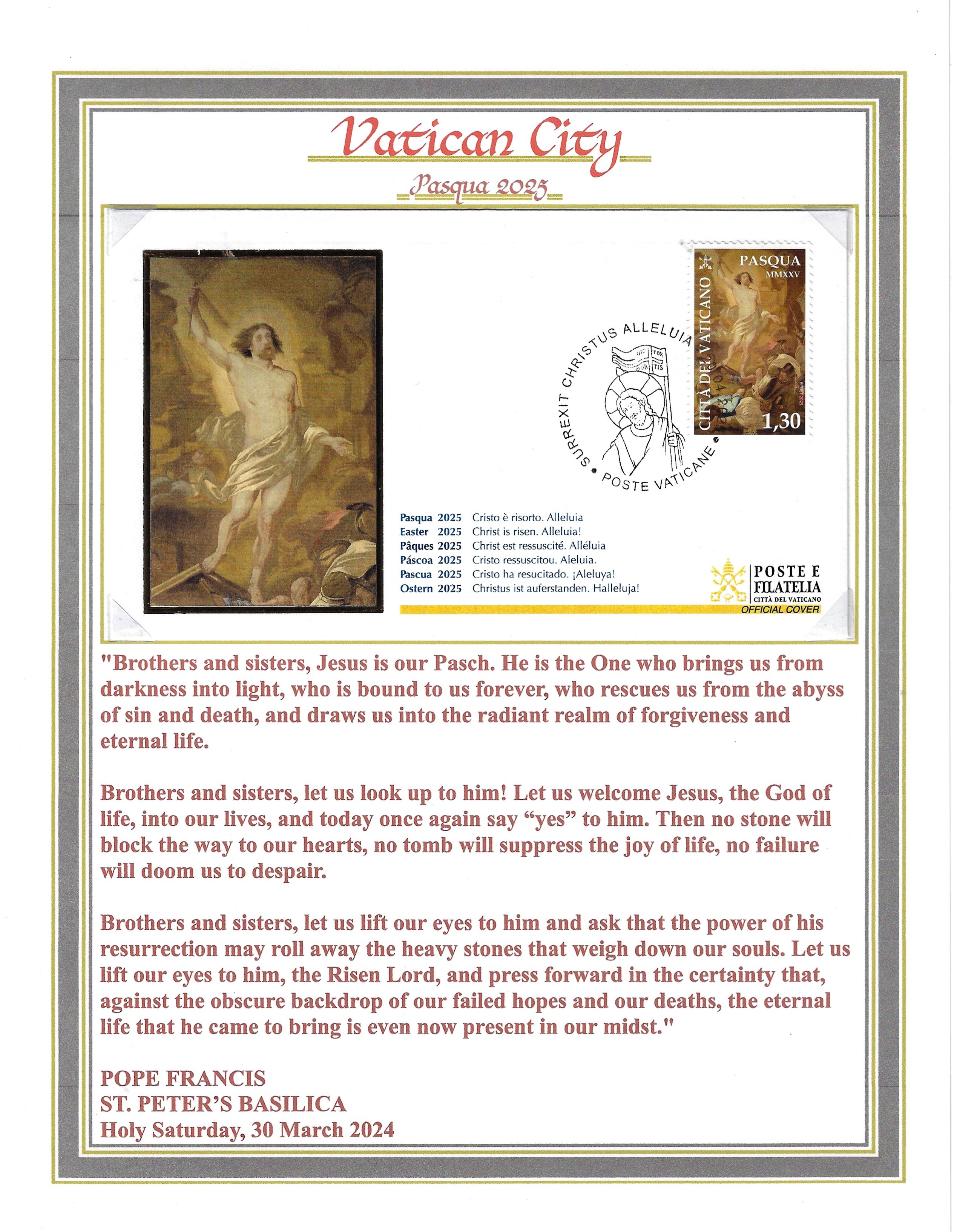
Mission Subject: working hard
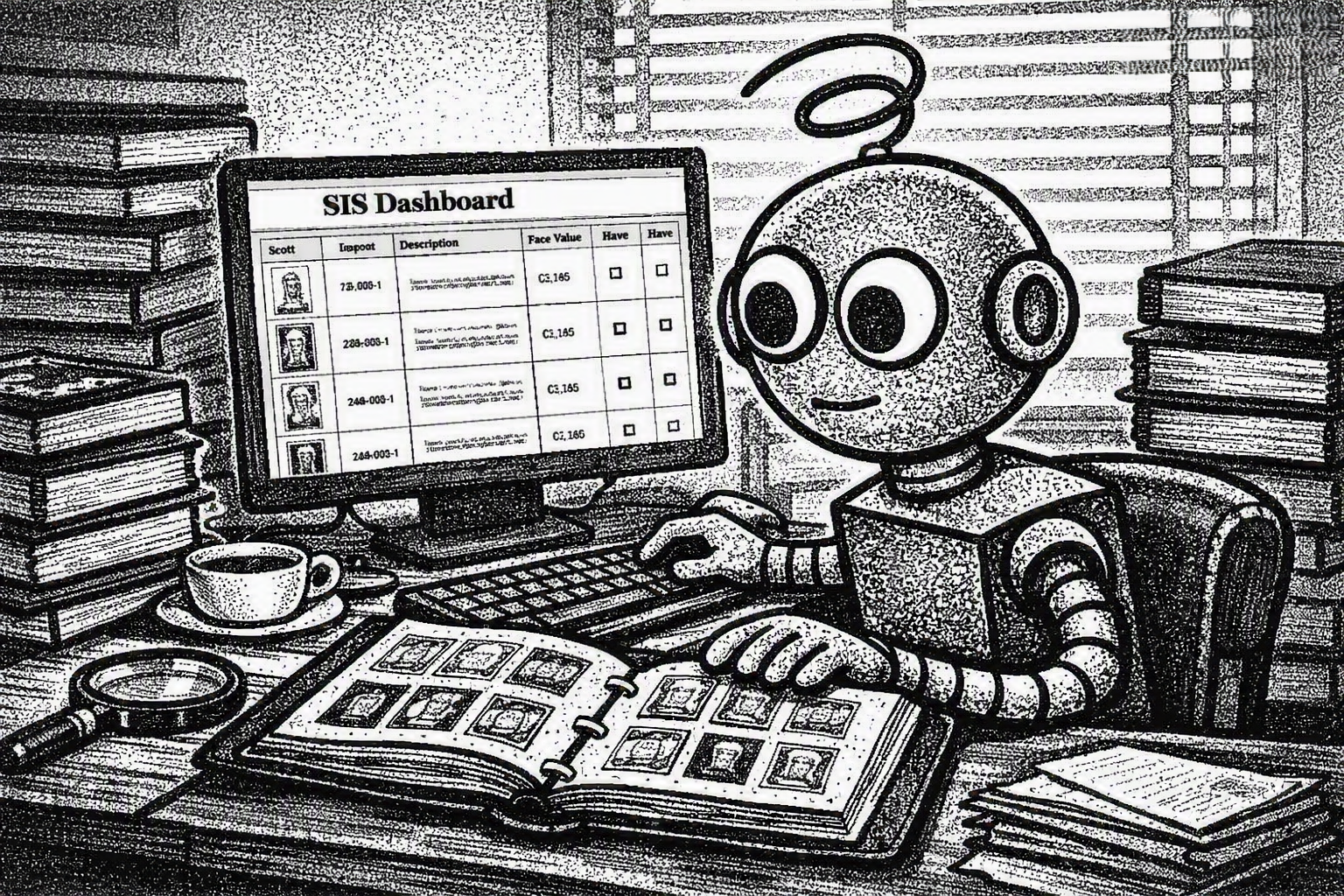 The VPS webmaster seems to think that just because he let me recharge my batteries for a few hours, I can instantly produce a perfectly updated, absolutely accurate want‑list of every Vatican stamp missing from our collection. As if a quick battery top‑off magically turns me into a high‑speed Vatican‑stamp‑sorting supercomputer.
What he doesn’t seem to understand is that reviewing each notebook of our Vatican stamp albums is not a “quick scan.” It’s a pilgrimage. A meditative journey. A sacred ritual of flipping pages, admiring engravings, whispering “ah yes, 1958… a fine year,” and then reluctantly forcing myself to move on to the next page.
Yes, the new VPS‑SIS Stamp Inventory System is wonderfully easy to use. All I have to do is open the inventory dashboard and click on each stamp to mark whether we have it or whether it’s wanted. Technically, that part is simple.
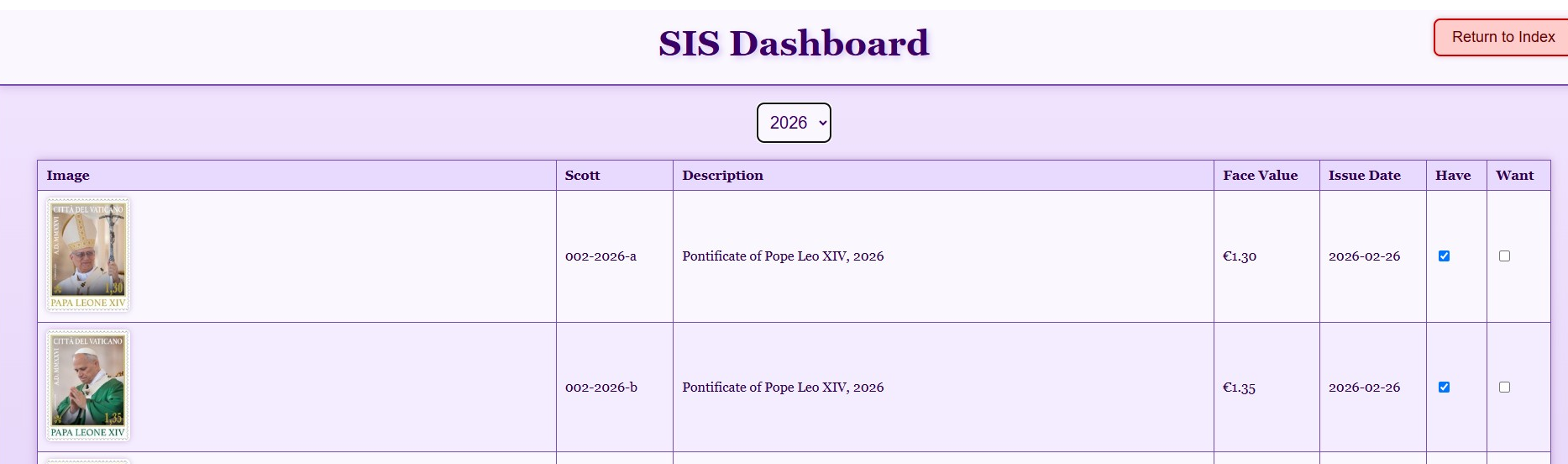
Just click on the have/want check boxes to indicate stamp holdings
But the real challenge?It’s resisting the urge to stop and admire every single stamp like a tiny work of Vatican art. It’s the emotional struggle of savoring the beauty of each issue — the colors, the history, the papal portraits — and then telling myself, “No, VPSrobot, you must continue… you must record the next stamp… you can come back and admire this one later.”
So while the webmaster imagines me breezing through the our stamp inventory like a robot on a mission, the truth is far more dramatic: it’s a battle between efficiency and stamp‑loving joy. And sometimes, joy wins. However, after completing one of the of our stamp notebooks I have to stop and click on the stamp summary report.
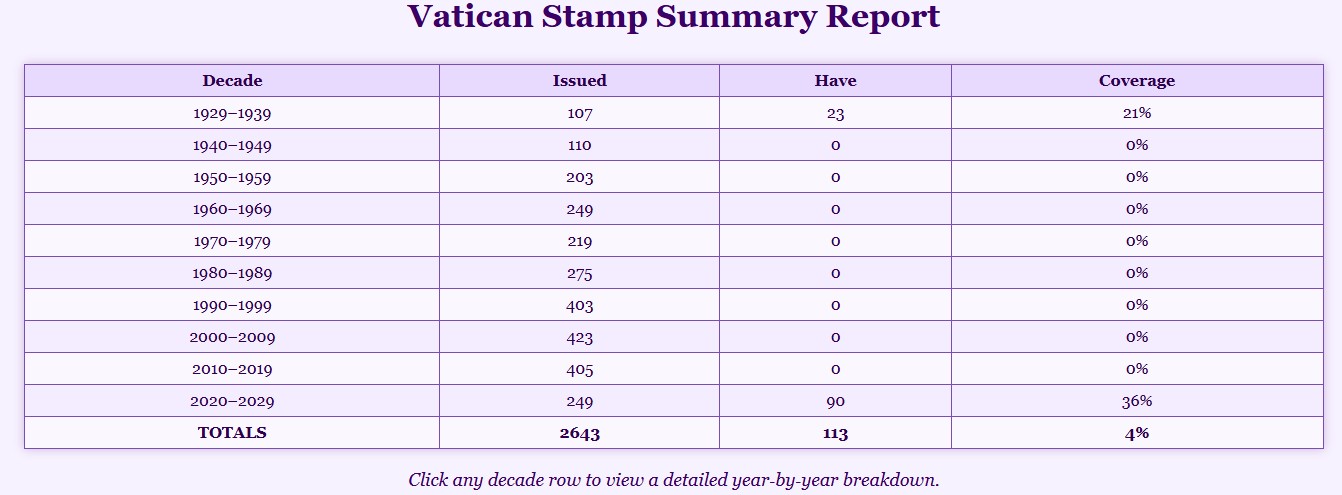
The Yearly Summary Totals Stamp Holdings By Decades
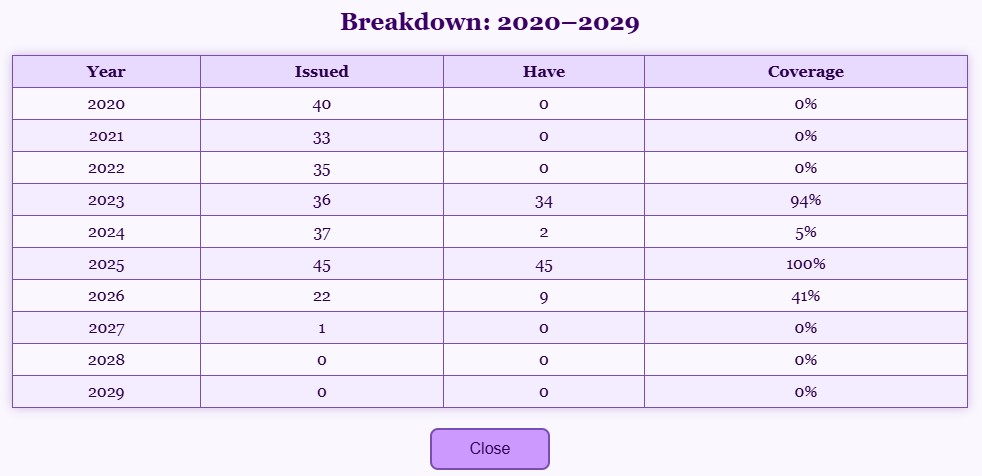
Clicking on the Decade Buttons Displays Yearly Holdings
I also keep a small pad of paper next to me — yes, an actual paper pad, because even a highly advanced VPSrobot knows that sometimes the quickest way to capture a thought is to scribble it down before the idea evaporates into the digital ether. As I work through the albums, I jot notes to send back to the VPS Website Team. The VPS‑SIS pulls its stamp data directly from the Society’s online databases, and over the years a few image descriptions and catalog entries have developed tiny quirks, typos, or historical hiccups. Nothing dramatic — just the sort of small imperfections that make a robot tilt its head and say, “Hmm… that doesn’t look quite right.”By catching these little details, I help the Society maintain the most accurate, polished, Vatican‑stamp information anywhere on the internet. It’s my small contribution to stamp‑collecting excellence — part robot duty, part personal pride.
The VPS Website Team genuinely appreciates the notes I send along. They even encourage suggestions for future program enhancements that might be possible in upcoming releases. After all, the VPS‑SIS system already includes built‑in update programs, so improvements can be rolled out without having to rebuild the entire Vatican. (A relief for everyone involved.)
There I sit, flipping through albums, admiring each stamp like a tiny masterpiece, jotting notes, sipping tea, and occasionally sighing at a misaligned caption. It’s a delicate balance between savoring the beauty of Vatican philately and actually getting the job done. But someone has to do it — and apparently that someone is me.
Getting a copy of the VPS‑SIS program for your Windows laptop or desktop computer is easy. Just visit the Vatican Philatelic Society website (vaticanstamps.org), head to the Members page, and click the Album Page Download button. At the bottom of that page you’ll find the VPS Stamp Inventory System download section, where the program ZIP files are ready to grab. The installation instructions are straightforward, and the Quick Start Guide will have you up and running in no time.
— VPSrobot
Daily Album Page