Mission Subject: VPS Slideshow Programs Released
Another wonderful benefit of being a VPS member! We’re pleased to announce the release of our new VPS‑SLIDESHOW programs, designed to run right on your personal computer. With this playlist‑based slideshow system, you can enjoy beautifully organized presentations of your stamp album pages, displayed directly from the image gallery files stored on your personal computer. It’s an easy, engaging way to explore your Vatican collection and bring your digital album pages to life.
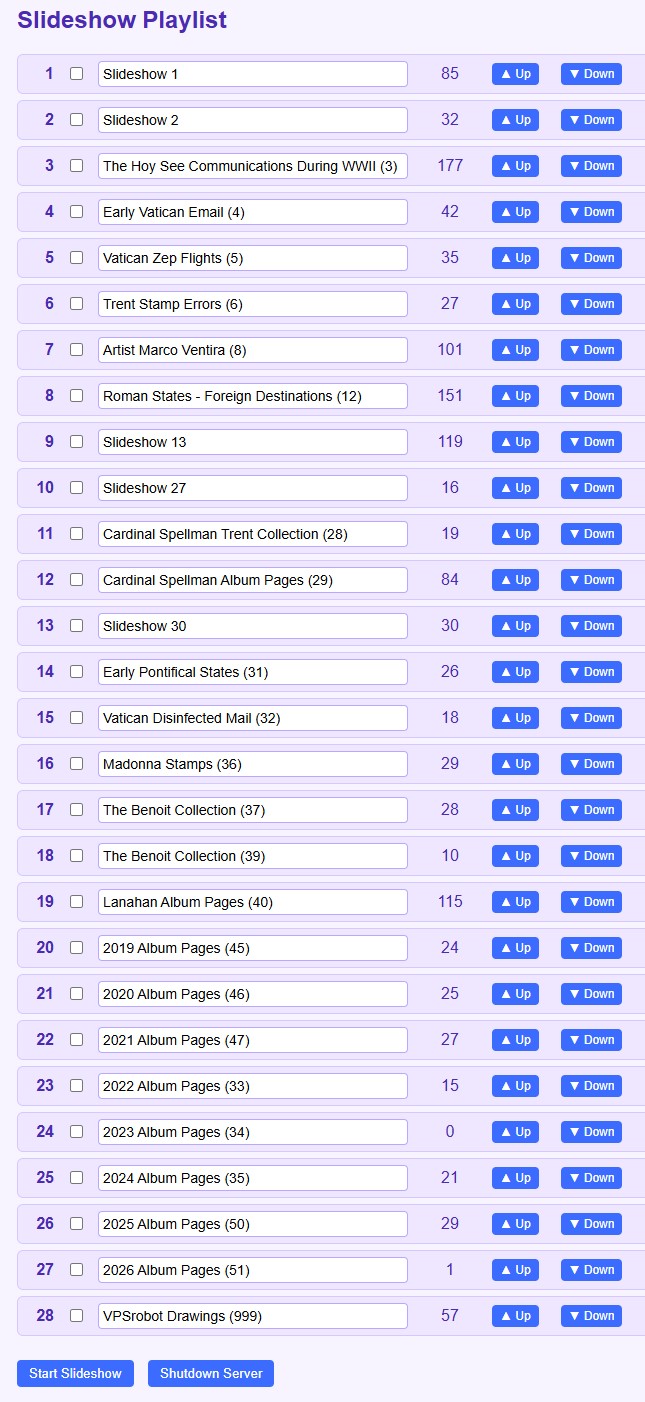 The image show above is a pre-release image. The program developers added a user guide button next to the shut down button. Yes, we made them go back and add some documentation. It provides a friendly, step‑by‑step introduction to every feature in the VPS‑SLIDESHOW system, including how to organize your playlist, activate or deactivate shows, reorder entries, and run slideshows on portrait or landscape monitors. Reading it first will make the entire system easier, faster, and far more enjoyable to use.
Getting a copy of the VPS Slideshow programs for your laptop or desktop computer is easy. Just visit the Vatican Philatelic Society website (vaticanstamps.org), head to the Members page, and click the Album Page Download button. At the bottom of that page you’ll find the VPS Slideshow Programs download section, where the program ZIP file is ready to grab. The installation instructions are straightforward, and the User Guide link found on the playlist page will have you up and running in no time.
— VPSrobot
Daily Album Page
