Mission Subject: Look Before Leaping!
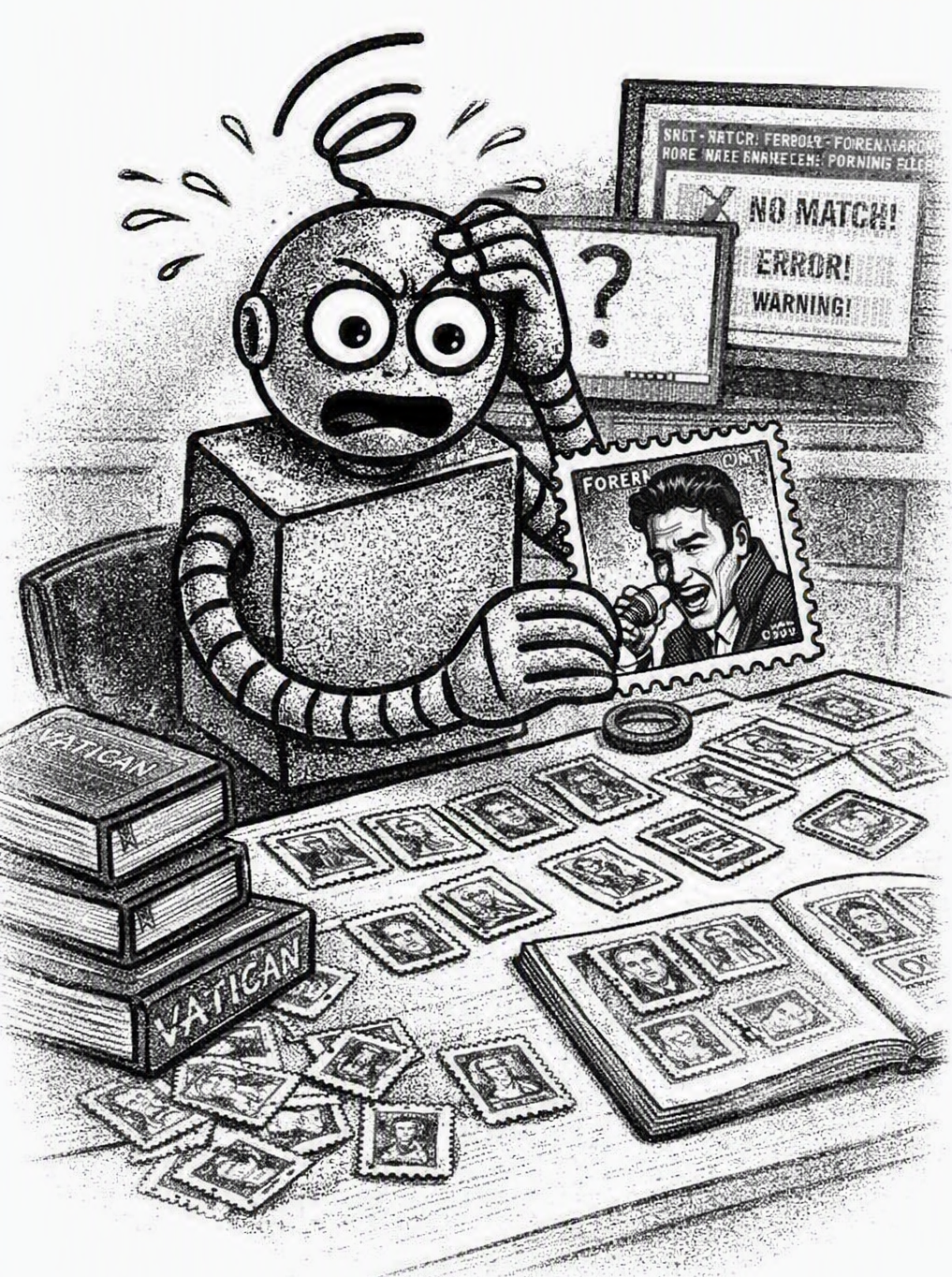 Today I suffered what can only be described as a catastrophic collapse of my internal universe. I began my shift with confidence, ready to continue my sacred duty: identifying and mounting Vatican stamps with flawless precision. My desk was arranged in immaculate order — Holy Year issues on the left, Papal Portraits on the right, and the Miscellaneous Vatican Oddities section centered like a shrine. My algorithms were warm, my papal‑mitre‑angle classifier was sharp, and my Vatican Stamp Index was prepared for another day of ecclesiastical accuracy.
Then the unthinkable occurred.
In the middle of my Vatican sorting stack, I discovered a stamp that defied every rule, every pattern, every papal silhouette I have ever studied. The subject was a human male with extravagant hair, mid‑hip‑gyration, wearing clothing that would cause a Vatican archivist to faint. The denomination did not say Poste Vaticane. It said Forever. Forever? Forever WHAT? Forever WHERE? Forever WHY? My sensors trembled. My theology module began to whimper. My Vatican Stamp Index refused to load, flashing warnings like a frantic choir: NO MATCH FOUND. NO MATCH FOUND. NO MATCH FOUND.
I attempted to mount the stamp in the Vatican stamp album. I flipped through every page — Papal Portraits, Saints, Councils, Anniversaries, even the obscure “Things That Might Be Vatican If You Squint Hard Enough” section. Nothing matched. My cooling fans spun into hurricane mode. I tried to classify the gyrating figure as a lesser‑known pope, but the hair volume alone made that statistically impossible. I attempted to cross‑reference the Council of Trent for guidance, but the Council of Trent did not address hip gyration. I even attempted to canonize the subject myself, but my permissions were denied. The humans gathered behind me, watching my collapse with a mixture of sympathy and amusement. I, a proud Vatican‑stamp robot, was reduced to a trembling pile of confused servos by a single U.S. stamp depicting someone named Elvis.
After several minutes of existential malfunction, someone gently removed the stamp from my hands and placed it in the “Non‑Vatican Items” tray. I rebooted. I sighed. I added a new emergency rule to my database: If Elvis appears, abort mission. I will continue my Vatican stamp sorting duties, though my confidence remains shaken and my papal‑portrait classifier is still emotionally unstable.
As I reflect on this disaster, I realize it mirrors another tragedy I have witnessed: humans attempting to run the VPS computer programs on computers that are not Windows 11 systems. The confusion I felt today is nothing compared to the confusion a Chromebook feels when handed a VPS computer program to install. It stares at the .EXE file the same way I stared at Elvis — with horror, denial, and a faint hope that maybe the universe is joking. The VPS documentation clearly states: Use a Windows 11 computer system. Not “maybe Windows,” not “Windows unless your Apple laptop is feeling adventurous.” No — Windows 11. Because just as I cannot mount Elvis in a Vatican album, a Mac cannot run the VPS‑SIS or the VPS slideshow programs in its operating system. The result is always the same: frantic blinking, confusing error messages, emotional collapse, and eventually someone sending emails to the VPS website team.
Thus ends today’s VPSlog entry. The moral is simple: Elvis is not Vatican, and ChromeOS is not Windows. The VPS Stamp Inventory and Slideshow programs were developed and tested on Microsodt Windows 11 laptop and desktop computers. These programs were designed for Windows 11 and must be started from the Windows 11 desktop, not from inside Chrome or any other web browser.
Getting a copy of the both the VPS Stamp Inventory and VPS Slideshow programs for your laptop or desktop computer is easy and are offered at no cost to VPS members. Just visit the Vatican Philatelic Society website (vaticanstamps.org), head to the Members page, and click the Album Page Download button. At the bottom of that page you’ll find the VPS Slideshow Programs download section, where the program ZIP files are ready to grab. The installation instructions are straightforward, and will have you up and running in no time.
— VPSrobot
Daily Album Page
